Update HIN Gateway
This document explains:
- How to update a HIN Gateway instance to a newer version.
- How to roll back to a previous version.
Warning
This procedure applies only to versions 0.6.x and later.
How to Update
- Go to the
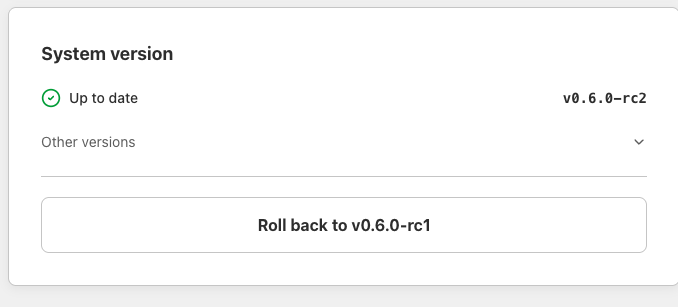
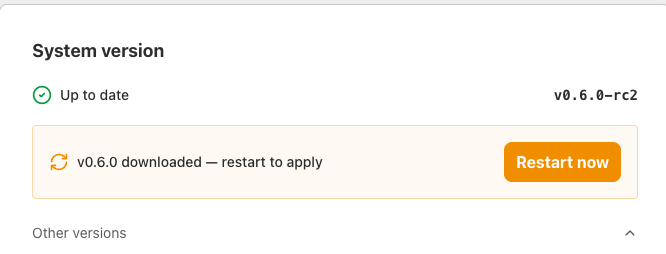
Settingspage and scroll to theSystem versionsection.
-
Click
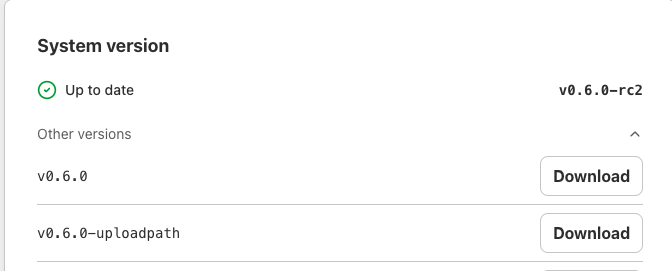
Other versions. -
From the list of available versions, select the target version.
-
Newer versions use incremental numbering, so the target version will have a higher number than the current one.
-
Click the
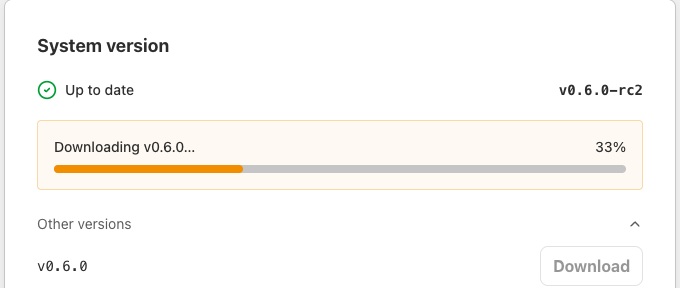
Downloadbutton. This only starts the download; it does not install the update yet.
-
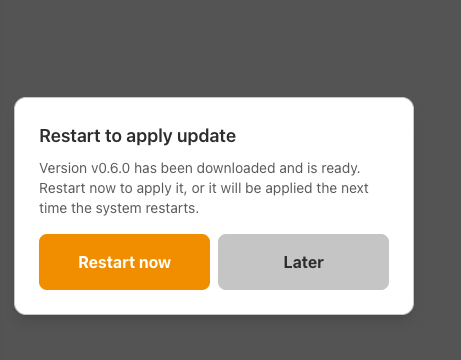
Once the download completes, a confirmation dialog appears with two options:
-
Restart now: restarts the machine immediately and installs the new version. Later: postpones the update. The new version is installed the next time the machine restarts.
How to Roll Back
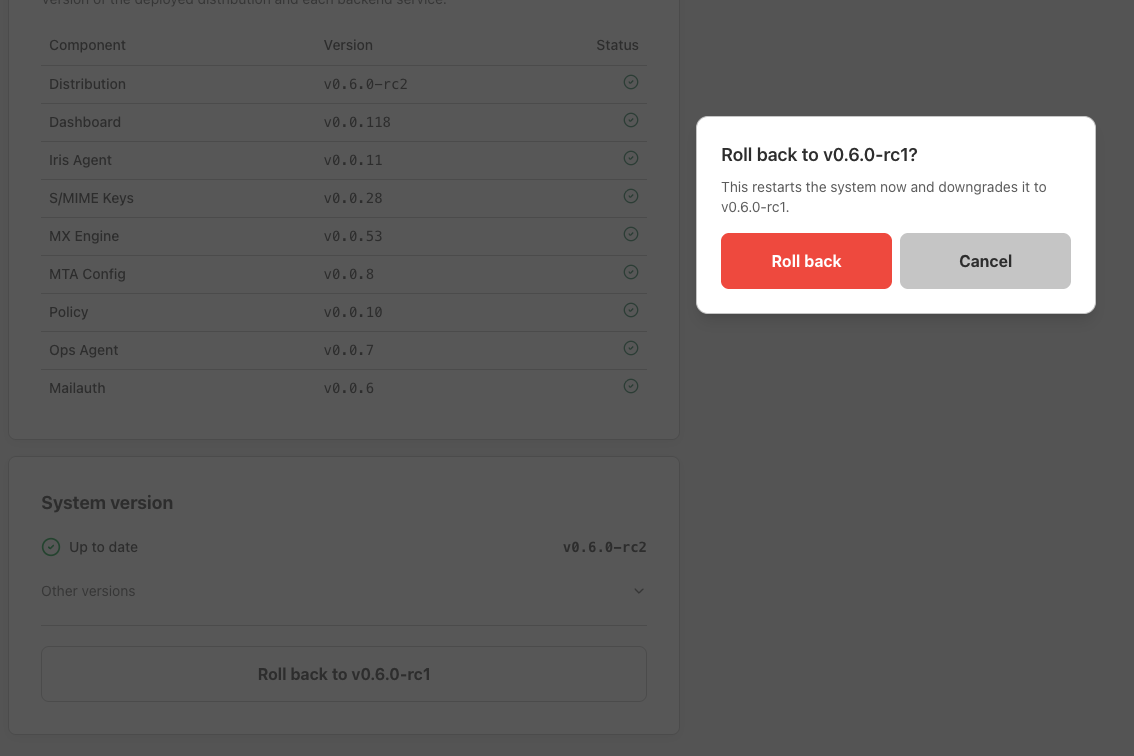
- Go to the
Settingspage and scroll to theSystem versionsection.
-
Click the
Roll back to vX.X.Xbutton. -
Confirm the action on the confirmation screen. The system will restart and install the previous stable version.