Managing Routed Domains in HIN Gateway
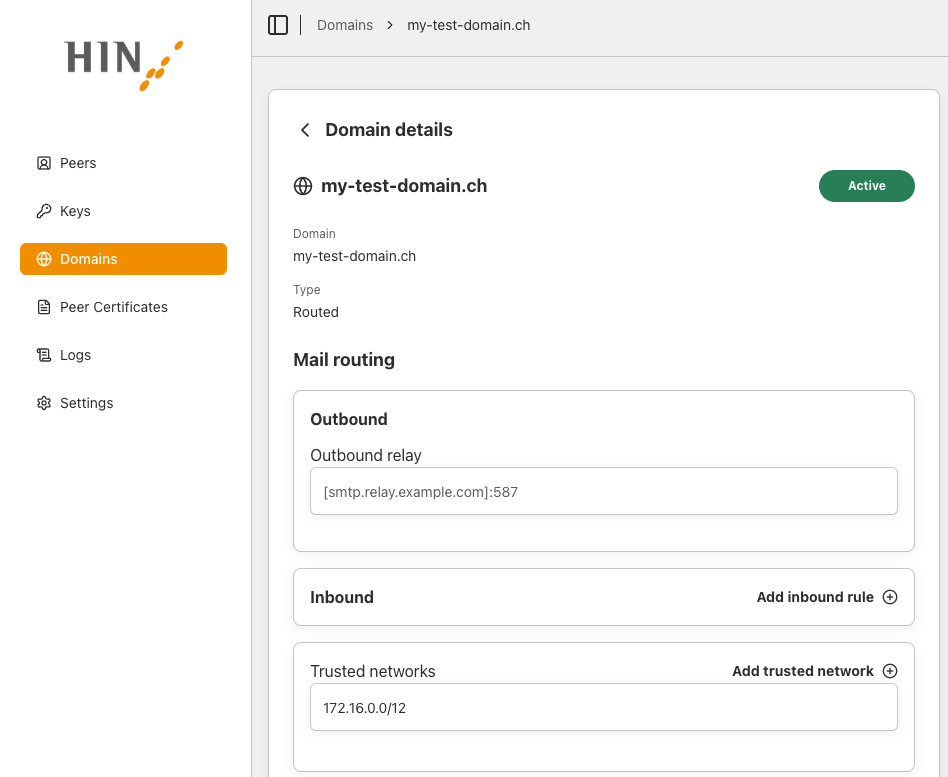
HIN Gateway can also handle mail traffic for domains that are not HIN Secure domains. This is a common setup for customers who run their own on-premises mail server infrastructure. This capability is built into HIN Gateway, so customers can adapt their mail setup to their own needs.
In HIN Gateway, these domains are called Routed domains. Mail for a Routed domain passes through HIN Gateway without secure messaging processing: it is simply forwarded to the next relay host.
Add a Routed domain
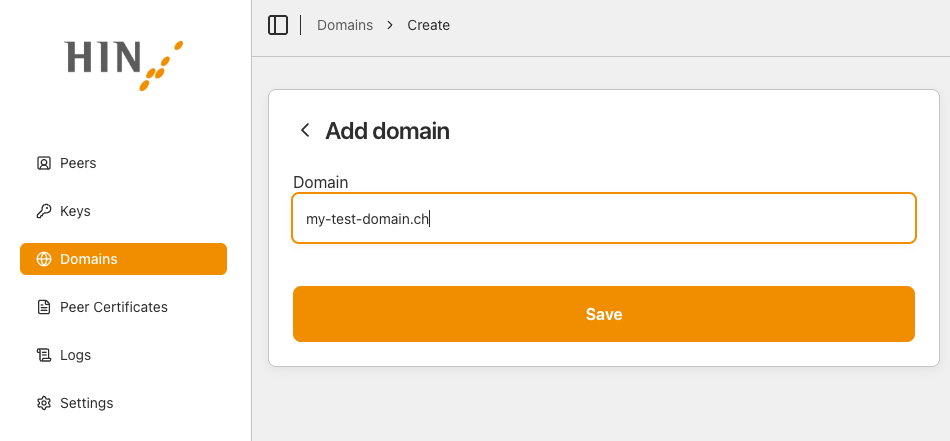
Go to the Domains page, click Add domain, enter the domain name, and click Save.
Configure the Routed domain
Activate the domain and configure it the same way as a HIN Secure domain. For detailed steps, see Step 14 - Configure mail transport in the installation guide.